SOIN NEXARA 4K Medical Monitors
NEXARA is SOINVISION’s standard 4K medical monitor series, available in 27-, 32- and 43-inch sizes for surgical visualization, endoscopy systems and medical video integration.
Across the series, the displays share 4K UHD visualization, 1080p-to-4K image enhancement, medical viewing modes, multi-view functions and multiple video connection options.

4K UHD

PIP / PBP

12G-SDI

IP65 Front
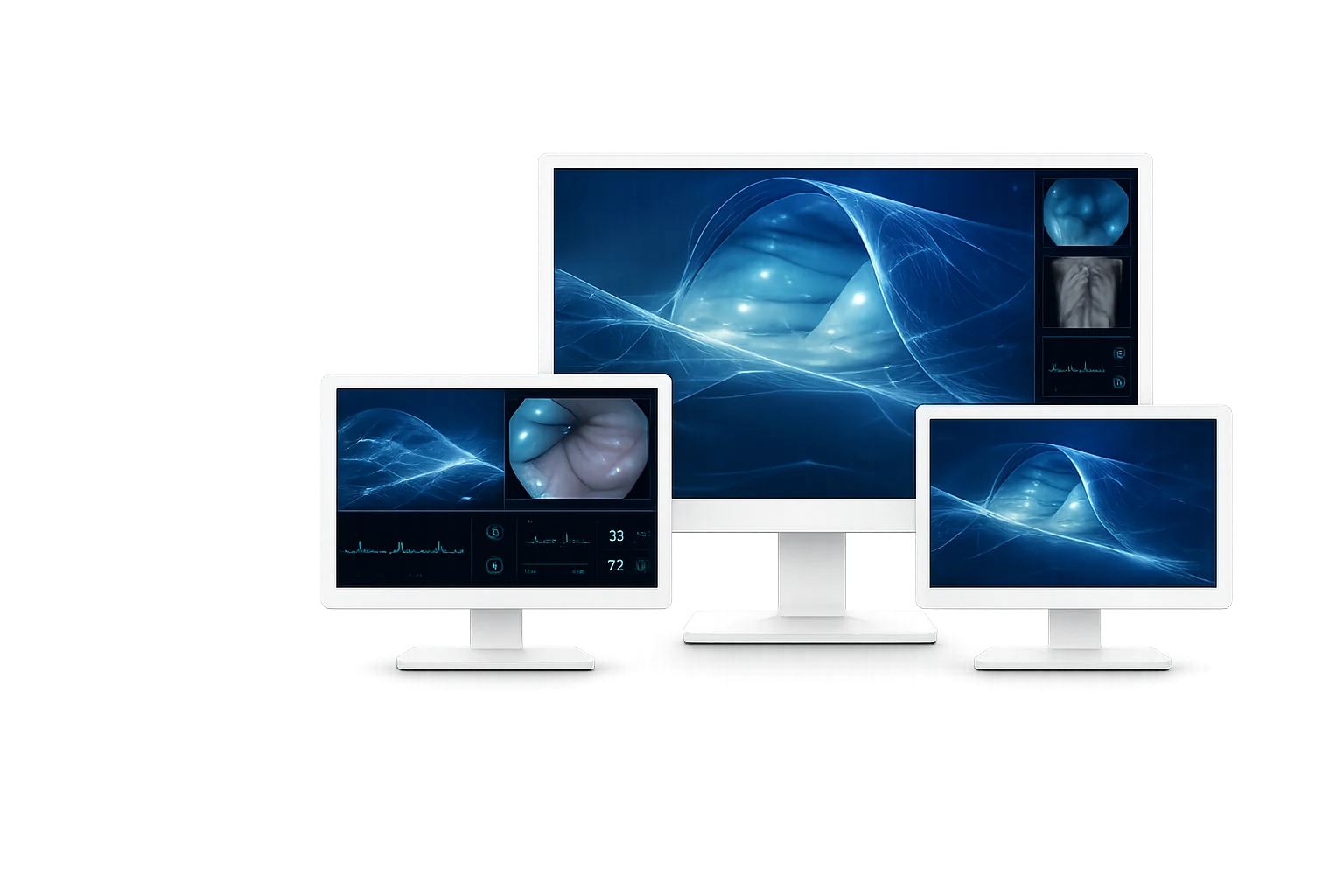
27″Compact Integration
43″Large Shared Viewing
32″Balanced Main Display

SELECT BY SIZE
Choose Your NEXARA Monitor
Choose the display size that best fits the installation and viewing environment. Each size is offered in SE and Pro configurations; Pro adds multi-rate SDI input/output for systems that require SDI connectivity.
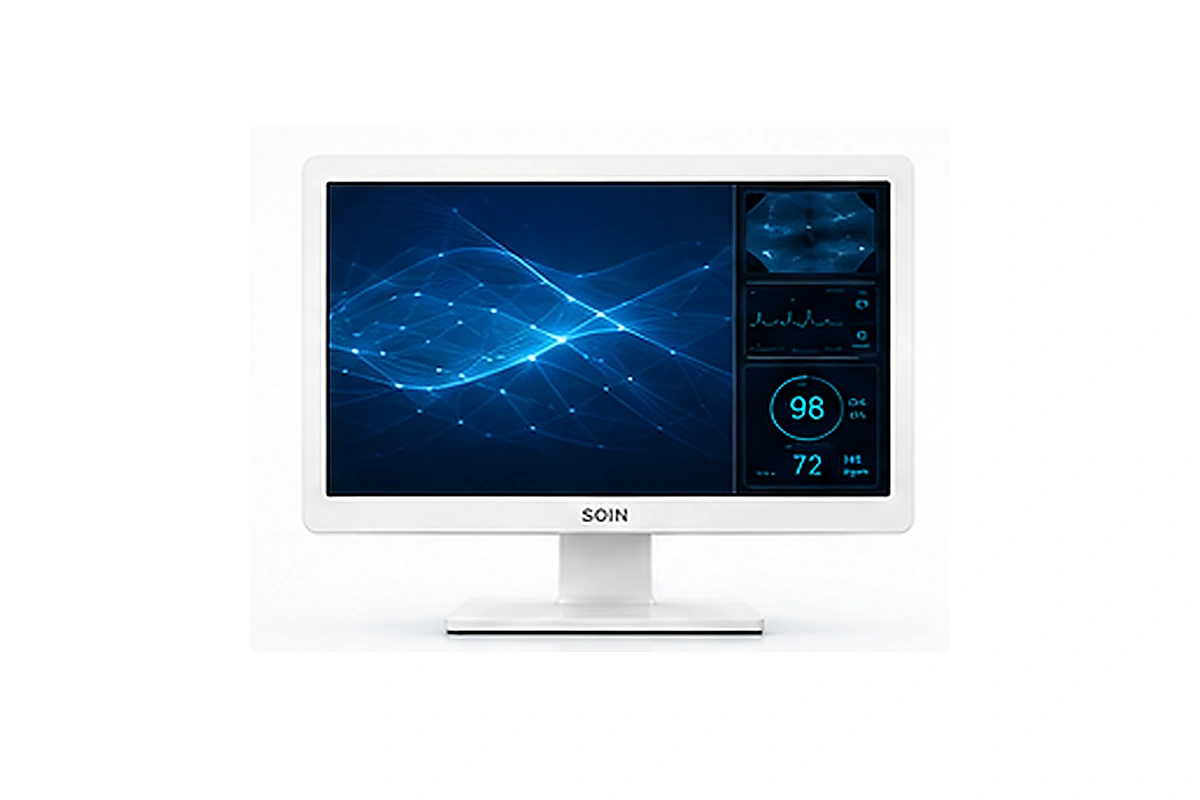
SOIN NEXARA 27
Compact Integration
A compact 27-inch format for systems where space efficiency and close-range viewing are priorities.
Best for
- Equipment carts
- Compact medical systems
- Close-range viewing
Key highlights
- 27-inch 4K UHD display
- U270SE / U270Pro
- Cart and wall mounting options
Balanced Choice
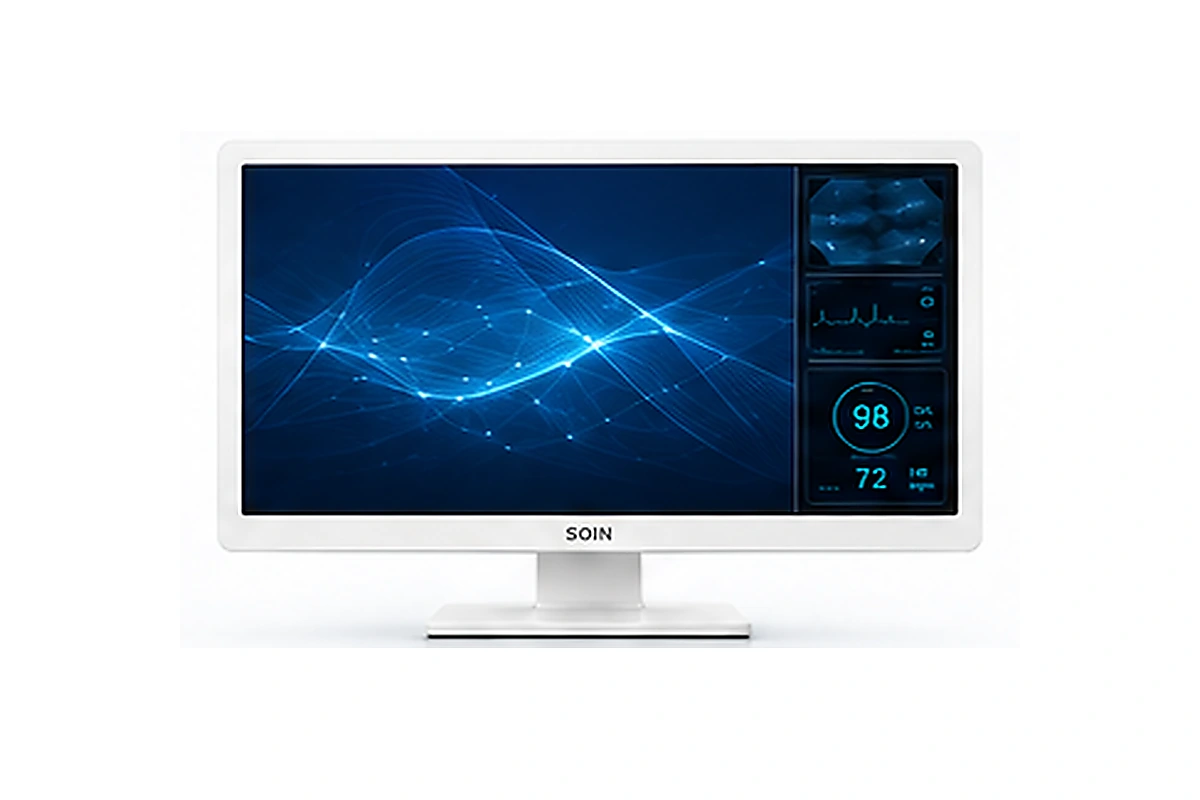
SOIN NEXARA 32
Balanced OR Viewing
A 32-inch format that balances viewing area with flexible integration across surgical and endoscopy setups.
Best for
- Main surgical visualization
- General endoscopy systems
- Medium-size OR setups
Key highlights
- 32-inch 4K UHD display
- U320SE / U320Pro
- Cart and wall mounting options
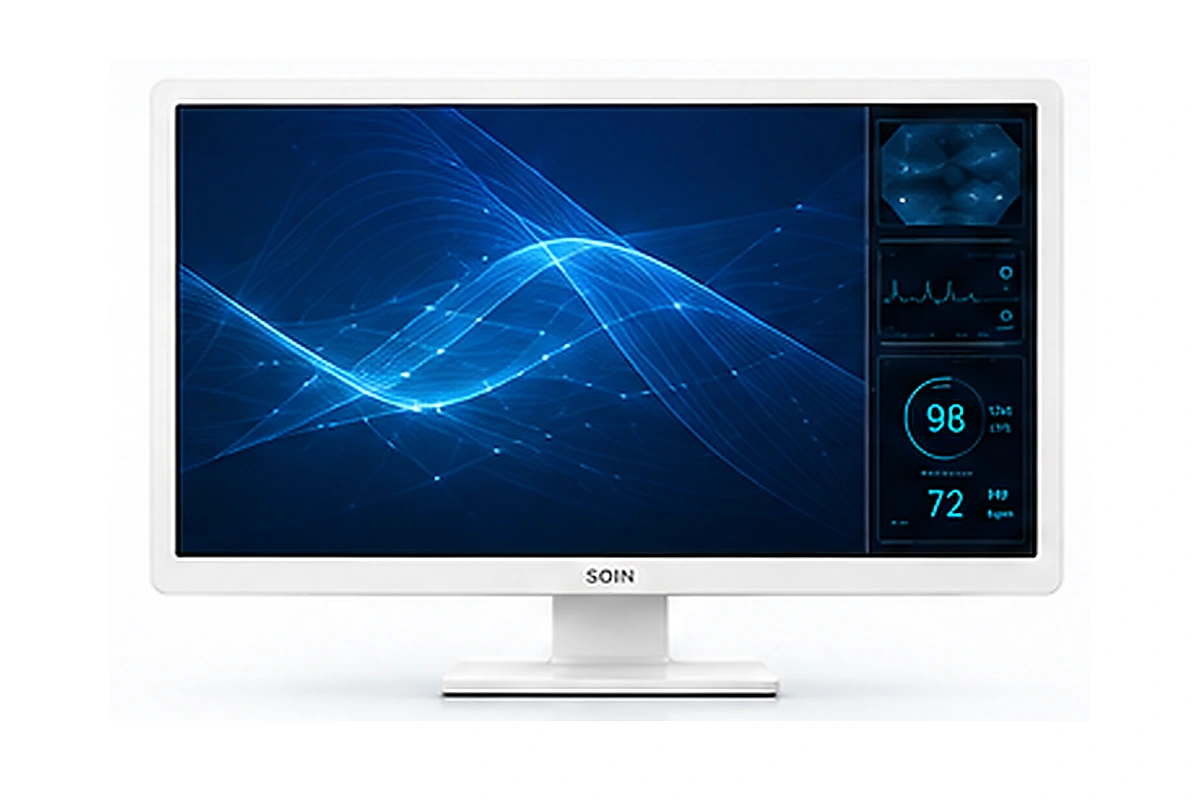
SOIN NEXARA 43
Large-Format Visualization
A large-format 43-inch display for larger rooms and shared viewing where more screen area is useful.
Best for
- Larger operating rooms
- Shared team viewing
- Large-format installations
Key highlights
- 43-inch 4K UHD display
- U430SE / U430Pro
- 200 × 400 mm VESA mounting
CORE DISPLAY FUNCTIONS
Core NEXARA Display Functions
Across the 27-, 32- and 43-inch range, NEXARA shares the same core display, image-control and multi-view capabilities for medical video visualization.
01
4K Visualization and Upscaling
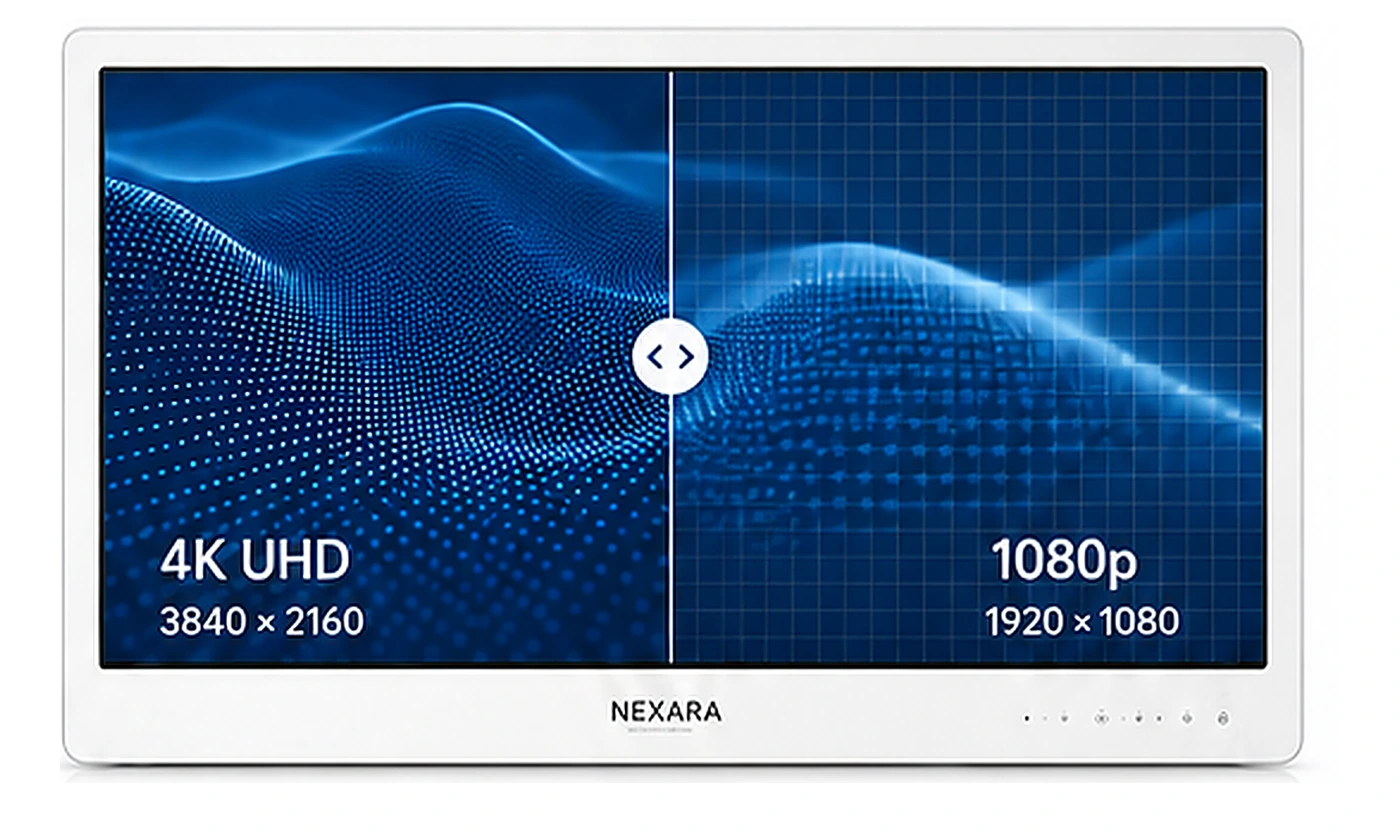
NEXARA supports compatible native 4K video at 3840 × 2160. For Full HD sources, 1080p-to-4K image enhancement processes 1920 × 1080 video for presentation on the 4K display, helping existing Full HD sources remain part of a 4K visualization setup.
Native 4K Source


Native 4K UHD
1080p Source


1080p-to-4K Upscaling

HDR Support
02
Color Spaces and Medical Viewing Modes
NEXARA provides selectable color spaces, display modes and gamma controls for different video sources and viewing preferences. Additional image and color adjustments are available through the on-screen controls.
Color Spaces

BT.709
BT.2020
DCI-P3
Viewing / Image Modes

DICOM

Medical Viewing Modes

Color / Image Adjustment
GAMMA MODES
1.8
1.9
2.0
2.1
2.2
2.3
2.4
2.5
2.6
03
Flexible Layout Modes and Workflow Control
Single- and multi-source viewing modes allow compatible video signals to be arranged in different on-screen layouts. Available options include Single, Quad, Side 3-Split, Bottom 3-Split, PIP and PBP, together with image-flip controls and video output functions.
Layout Modes

Single

Quad

Side 3-Split

Bottom 3-Split

PIP

PBP
Image Flip Controls

Horizontal Flip

Vertical Flip

Horizontal + Vertical Flip
Medical Video Connectivity & Output

12G-SDI / 3G-SDI

HDMI

DP

DVI

USB

DC Outputs
ADDITIONAL OR-READY DESIGN DETAILS

178° Wide Viewing Angle
A 178° viewing angle supports viewing from different positions around the display.

IP65 Front Protection
The IP65-rated front panel provides added protection for the display surface in medical equipment environments.

VESA Mounting
Size-specific VESA patterns support suitable cart, wall or fixed-display installations across the NEXARA range.

Low-blue Lighting
Provides a low-blue-light viewing option as part of the monitor’s configurable display controls.

Clinical-use Design
Designed for medical video integration, with mounting, front-panel and control details suited to equipment-based installations.

System Compatibility
HDMI, DisplayPort, DVI and model-dependent SDI options support connection with compatible medical video equipment.
WORKFLOW INTEGRATION
Built for Endoscopy and OR Integration
NEXARA combines multiple display sizes, video connectivity and flexible viewing functions for integration into endoscopy and operating-room video systems.

Source Compatibility
Connect compatible cameras, image processors, recorders and other video sources through the interfaces provided by the selected NEXARA configuration.

Primary Visualization
Use the selected NEXARA size as a primary display within compatible surgical and endoscopy systems.

Workflow Extension
Video output and multi-view functions support setups that use multiple sources or secondary displays.
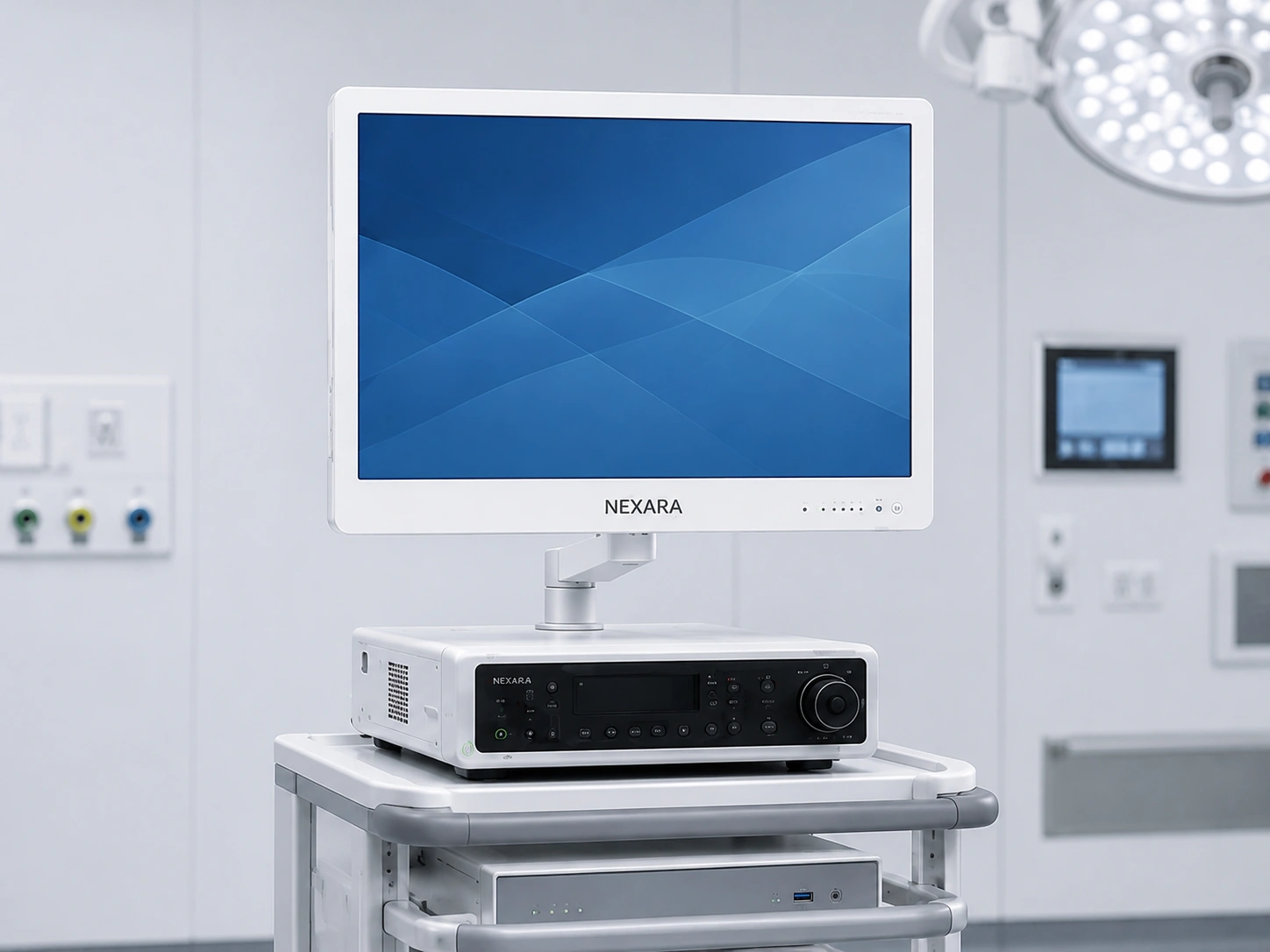
Cart Integration
The 27- and 32-inch formats are suited to systems where compact installation and flexible positioning are important.
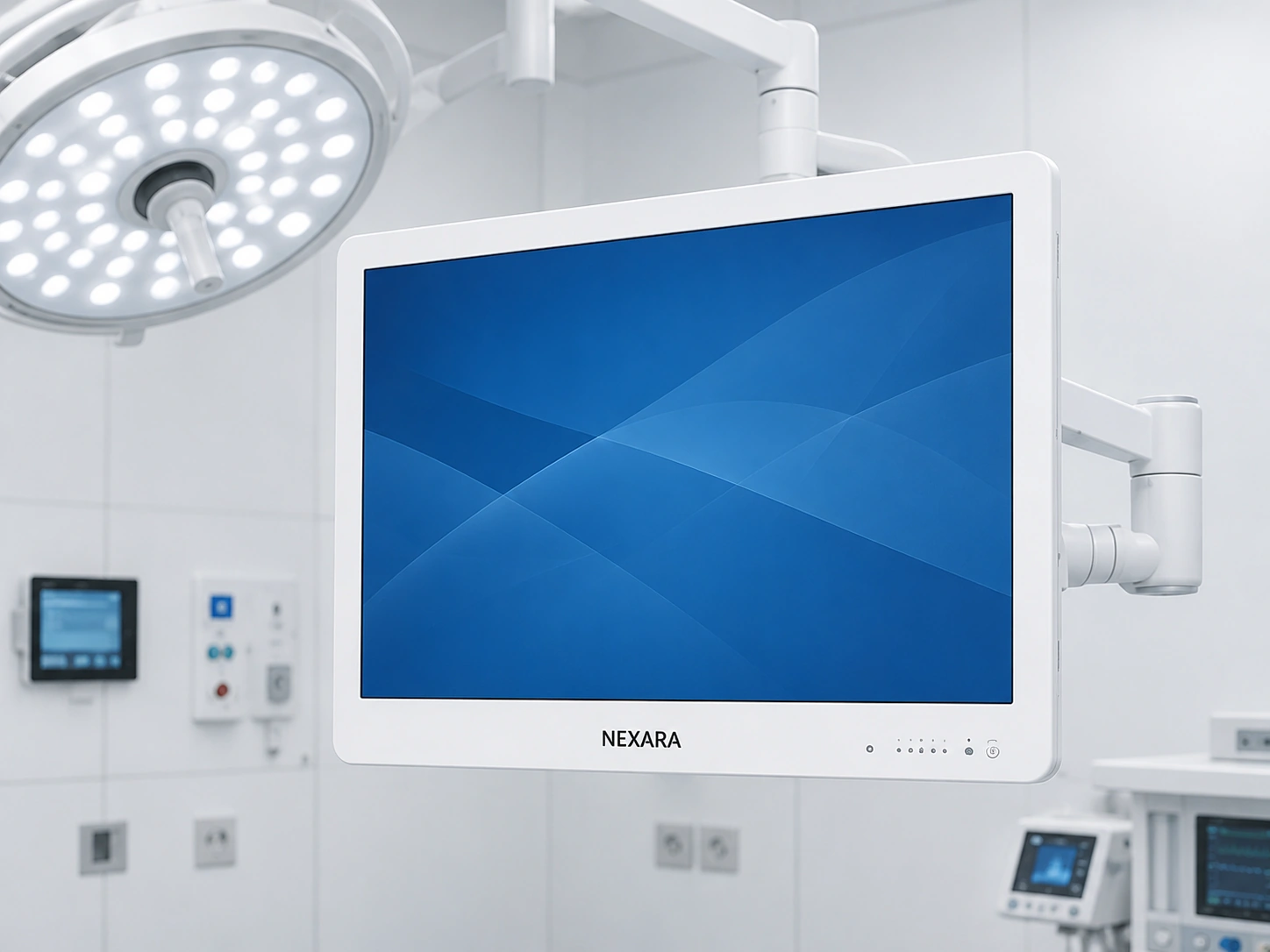
Main OR Display
Choose the display size according to room layout, normal viewing position and the image area required by the team.
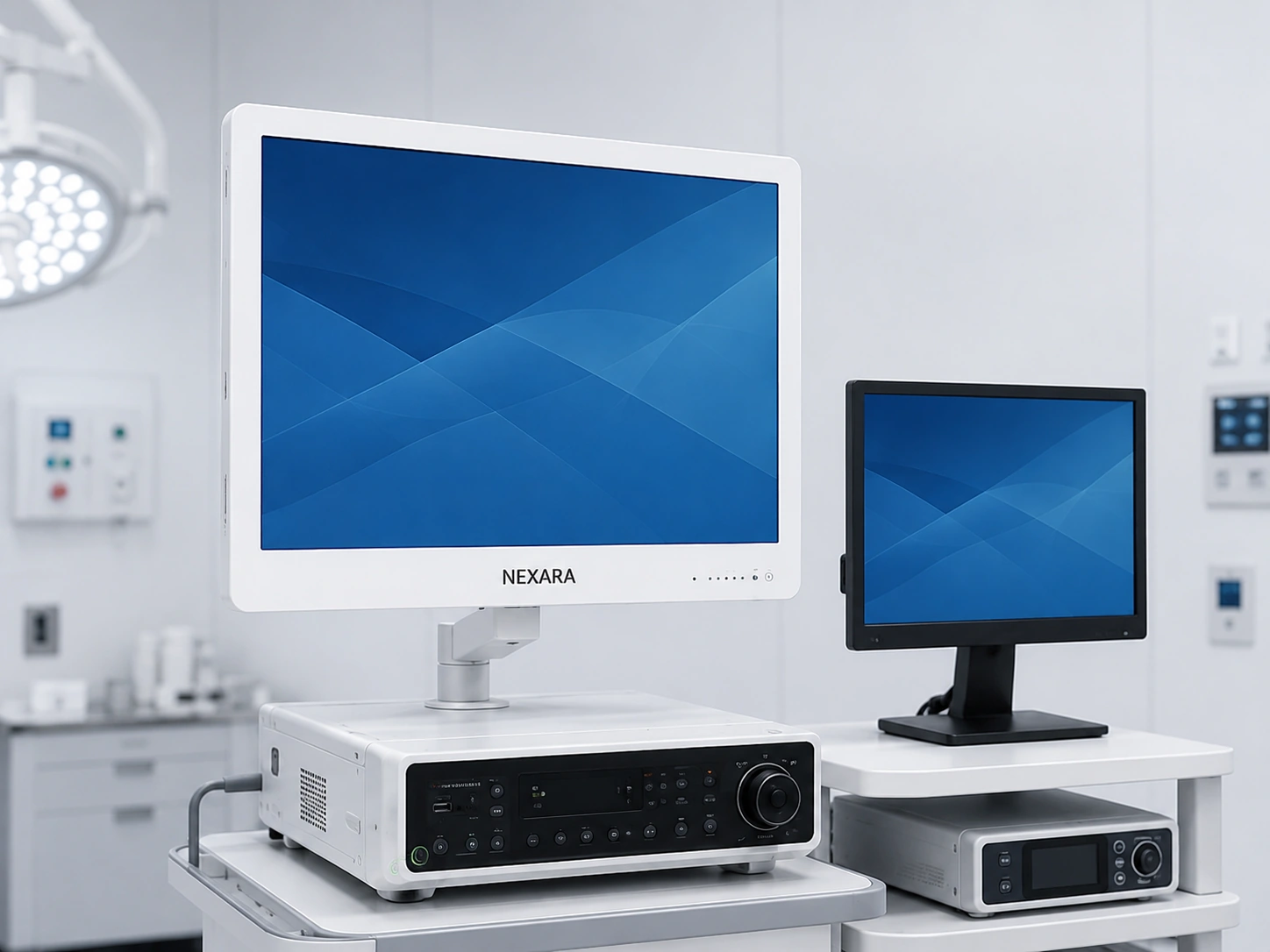
Multi-display Workflow
Input, output and multi-view functions support video setups involving multiple devices or displays.
ENHANCED OPTION
Need Additional Image Enhancement?
NEXARA covers SOINVISION’s standard 4K display and system-integration needs. If your project also requires integrated S-VIXTA image enhancement, explore the NEXARA X Series.
FAQ
Questions About the NEXARA Series
What is the difference between NEXARA 27, 32, and 43?
All three sizes share the core NEXARA display functions. The main differences are screen size, mounting setup and typical viewing conditions.
The 27-inch model is the most compact, the 32-inch model balances viewing area with installation flexibility, and the 43-inch model provides a larger image area for larger rooms and shared viewing.
Which NEXARA size should I choose?
Start with the available installation space, expected viewing position and number of viewers.
Choose 27 inches when compact integration and closer viewing are priorities, 32 inches when you need a balanced general-purpose format, and 43 inches when a larger viewing area is more important.
Detailed dimensions, weight and mounting specifications are available on the individual product pages.
What is the difference between NEXARA SE and Pro configurations?
Across the 27-, 32- and 43-inch NEXARA range, SE and Pro configurations share the main HDMI, DisplayPort and DVI connections.
Pro configurations additionally provide multi-rate SDI input and output for systems that require SDI connectivity.
Check the individual product page for the exact interface layout of the selected model.
Do mounting requirements vary by NEXARA size?
Yes. The 27- and 32-inch models support 100 × 100 mm / 100 × 200 mm VESA mounting. Suitable cart, wall or fixed-display mounting should be selected for the actual installation.
The 43-inch models use 200 × 400 mm VESA mounting and are primarily suited to larger fixed or wall-oriented installations. The final mounting structure should be selected for the actual installation.
Can NEXARA work with both 4K and Full HD video sources?
Yes.
Compatible native 4K sources can be displayed at 3840 × 2160. Full HD sources can use 1080p-to-4K image enhancement for presentation on the 4K display.
Upscaling does not turn the original Full HD source into native 4K source detail.
When should I choose NEXARA X instead of NEXARA?
Choose NEXARA when the standard 4K display, image-control, multi-view and connectivity functions meet the project requirements.
Consider NEXARA X when the project also requires integrated S-VIXTA image-enhancement capabilities.
MODEL SELECTION SUPPORT
Need Help Choosing a NEXARA Monitor?
Tell us your preferred display size, video source, required interfaces and installation setup.
Our team can help you narrow the choice between NEXARA 27, 32 and 43 and determine whether an SE or Pro configuration better matches your system.