
SOIN NEXARA X 4K Medical Monitors
NEXARA X brings integrated S-VIXTA image enhancement to SOINVISION’s 4K medical display range, giving users additional control over image presentation directly on the monitor.
Available in 27-, 32- and 43-inch formats, the series combines the established NEXARA display functions with coordinated S-VIXTA image enhancement and adjustable AI Enhancement Level 0–10.

4K UHD

PIP / PBP

12G-SDI

IP65 Front
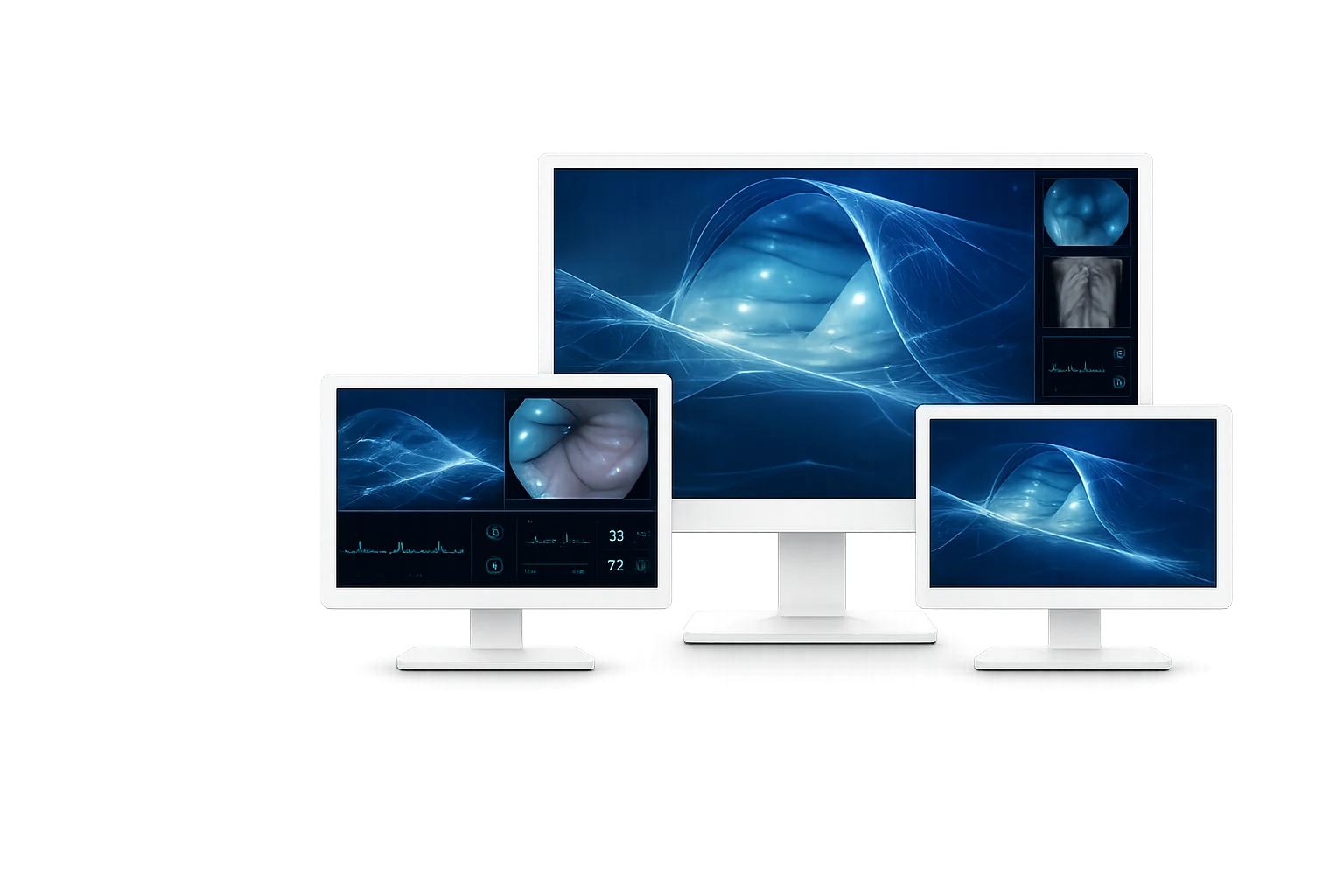
27″Compact Integration
43″Large Shared Viewing
32″Balanced Main Display

SELECT BY SIZE
Choose Your NEXARA X Monitor
Choose the NEXARA X size according to available installation space, viewing position and required screen area. Pro and Ultra versions then provide different interface options for the connected video system.
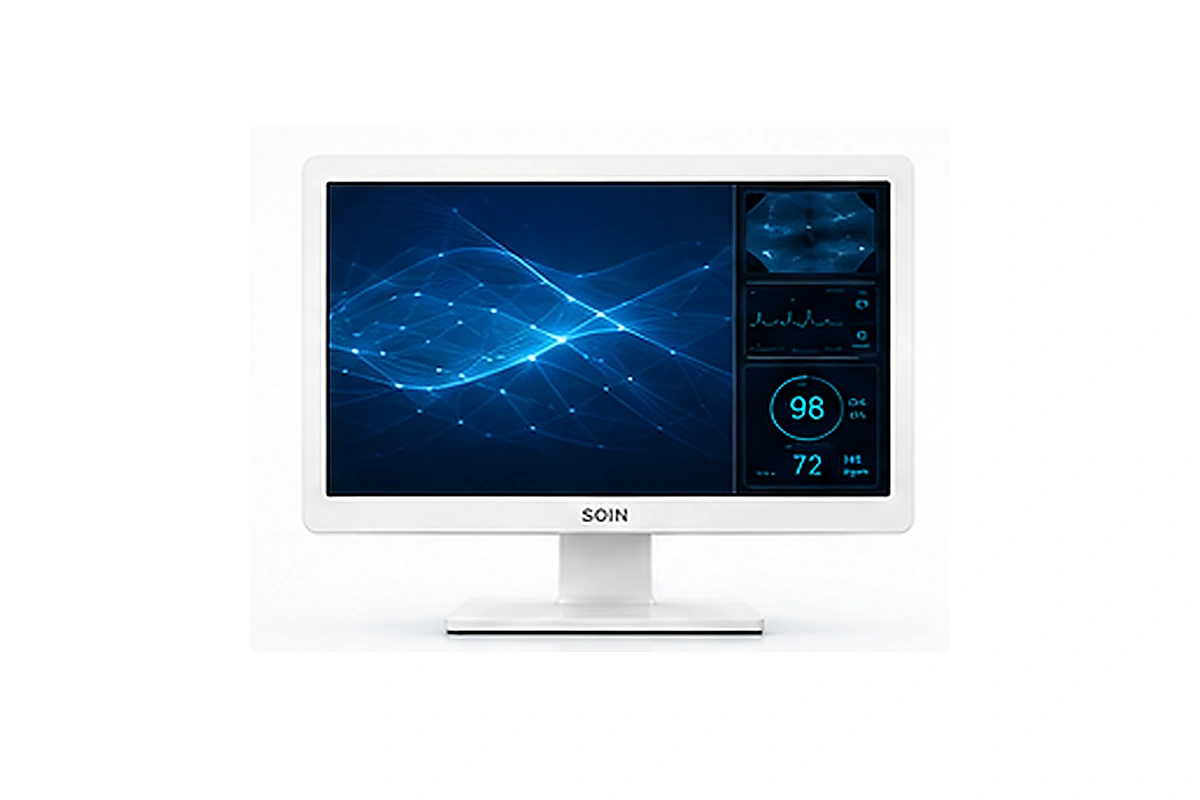
SOIN NEXARA X 27
Compact S-VIXTA Integration
A compact 27-inch option for close viewing positions and equipment-based systems that require integrated image controls.
Best for
- Compact endoscopy systems
- Close-range viewing positions
- Equipment-based medical video setups
Key highlights
- 27-inch 4K UHD display
- AIU270Pro / AIU270Ultra
- VESA: 100 × 100 mm (cart) / 100 × 200 mm (wall)
Balanced Choice
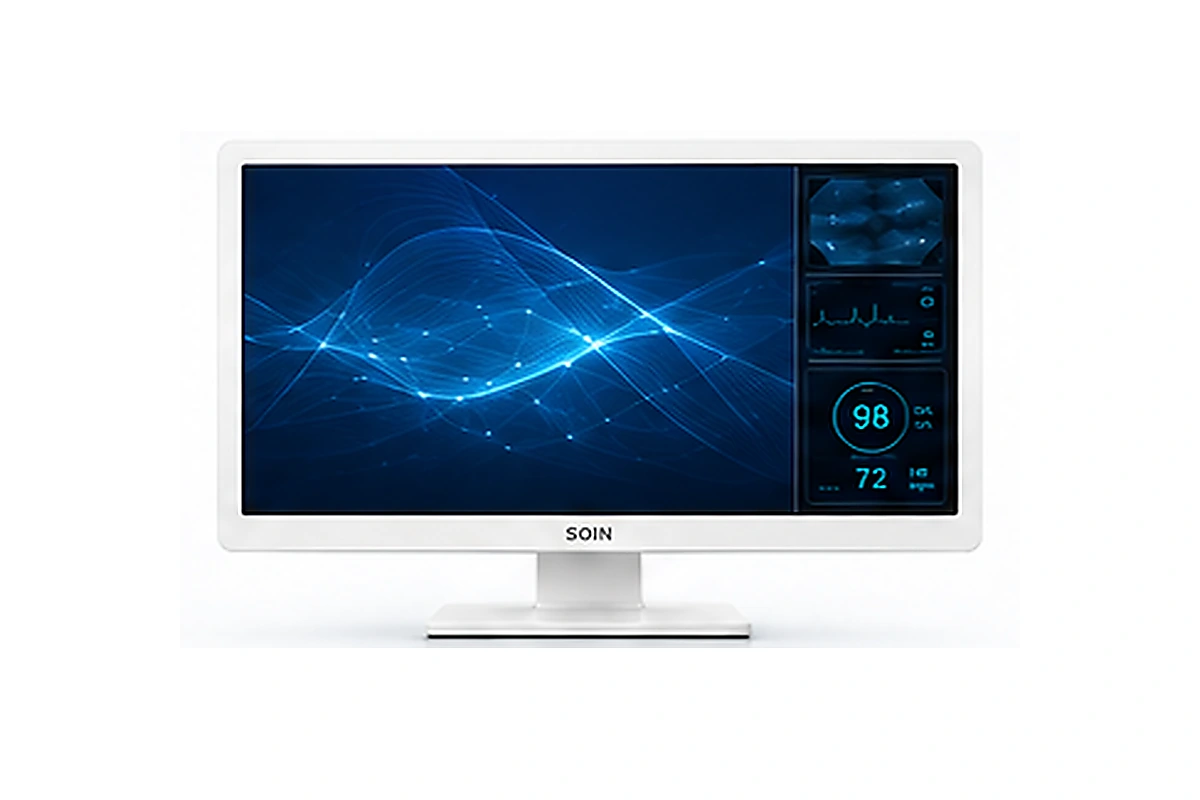
SOIN NEXARA X 32
Enhanced Main-Display Format
A 32-inch format that combines a balanced viewing area with integrated S-VIXTA controls for main-display use in surgical and endoscopy systems.
Best for
- Main-display installations
- Endoscopy visualization systems
- Projects needing adjustable image processing
Key highlights
- 32-inch 4K UHD display
- AIU320Pro / AIU320Ultra
- VESA: 100 × 100 mm (cart) / 100 × 200 mm (wall)
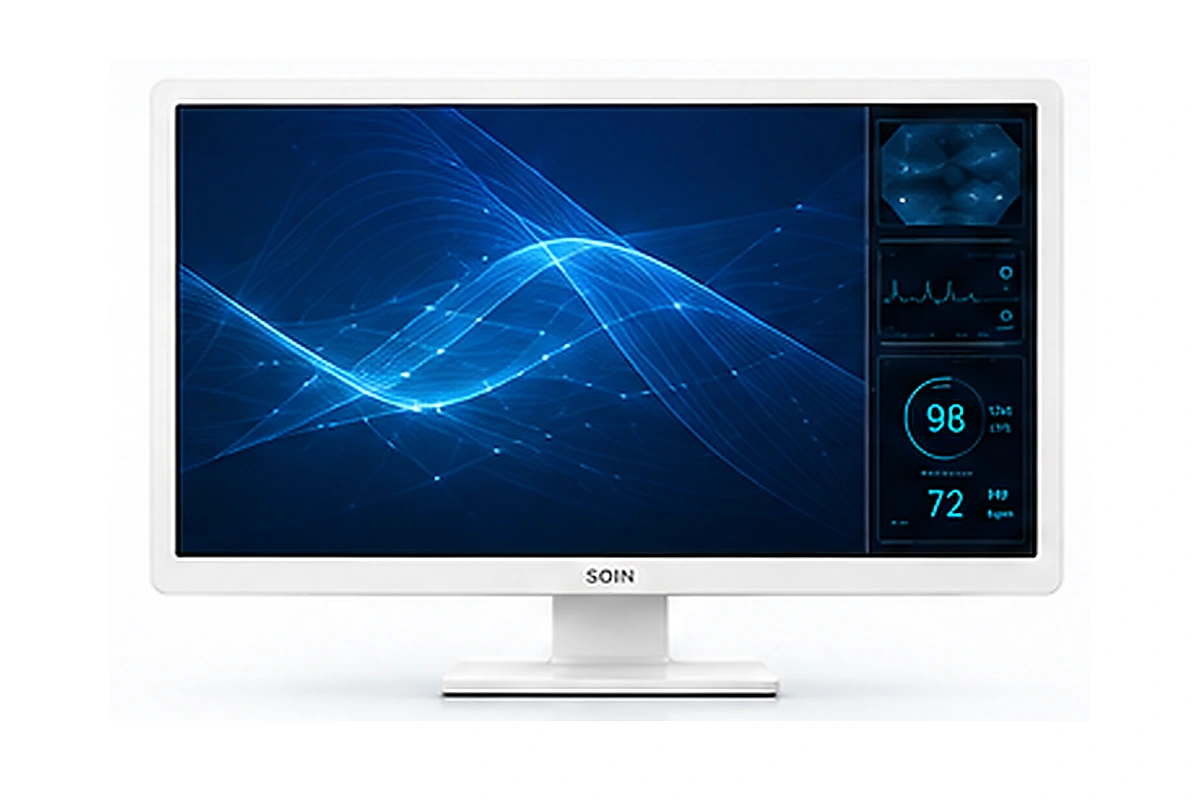
SOIN NEXARA X 43
Large-Format Enhanced Viewing
A 43-inch display for larger rooms and shared viewing where a larger image area is required together with integrated image-control options.
Best for
- Larger operating-room environments
- Shared team viewing
- Large-format visualization with S-VIXTA
Key highlights
- 43-inch 4K UHD display
- AIU430Pro / AIU430Ultra
- VESA: 200 × 400 mm
STANDARD OPTION
Looking for a Simpler 4K Configuration?
If integrated S-VIXTA functions are not required for the project, the standard NEXARA Series provides the shared 4K display, image-control, multi-view and video-connectivity functions.
01CORE DISPLAY FUNCTIONS
The 4K Display Foundation Behind NEXARA X
NEXARA X retains the core 4K display, image-control and multi-view functions shared across the NEXARA family, providing the display foundation for its additional S-VIXTA capabilities.
01
4K Visualization and Upscaling
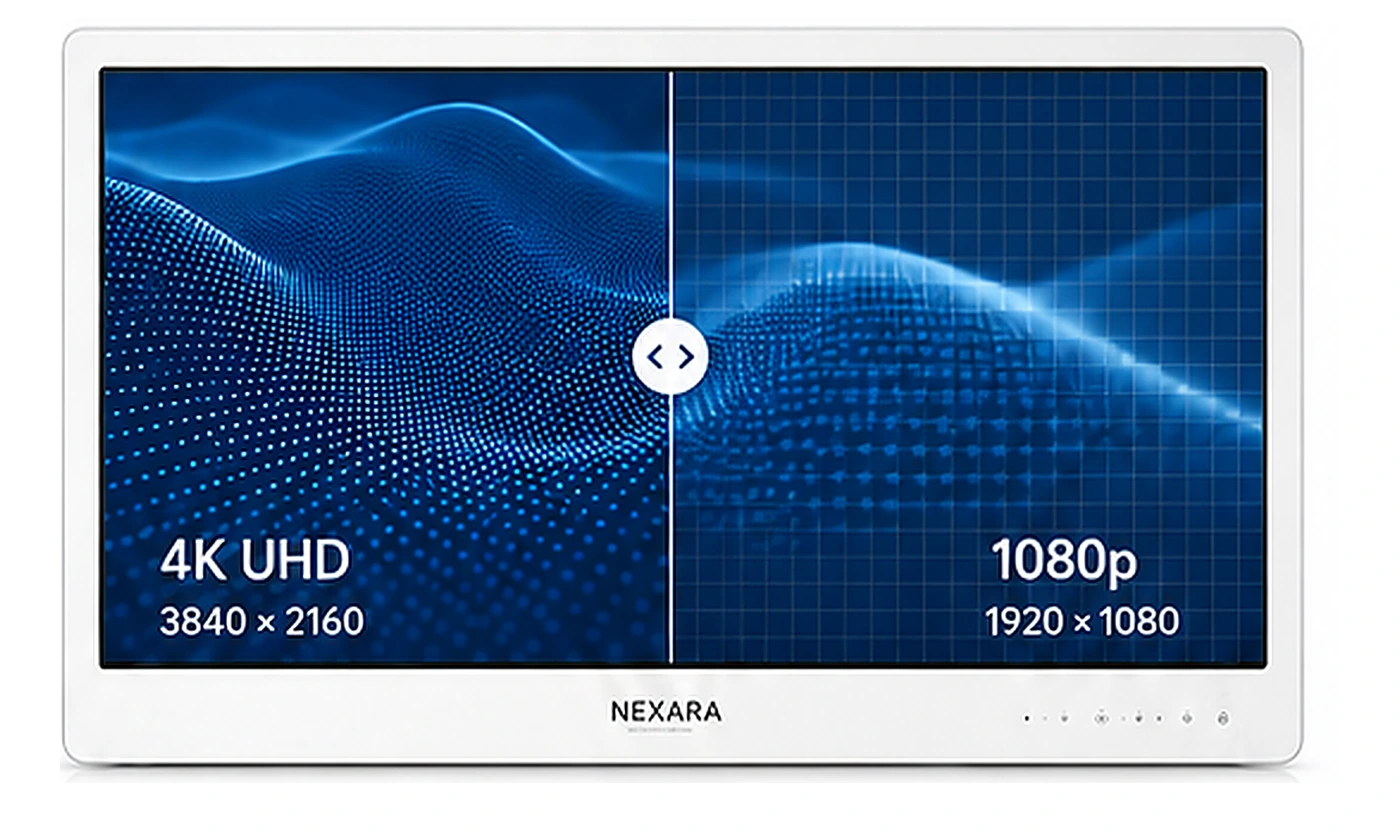
NEXARA X supports compatible native 4K video at 3840 × 2160. Full HD sources can use 1080p-to-4K image enhancement for presentation on the 4K display.
Native 4K Source


Native 4K UHD
1080p Source


1080p-to-4K Upscaling

HDR Support
02
Color Spaces and Medical Viewing Modes
Selectable color spaces, display modes, gamma controls and image adjustments provide flexible control over image presentation across different video sources.
Color Spaces

BT.709
BT.2020
DCI-P3
Viewing / Image Modes

DICOM

Medical Viewing Modes

Color / Image Adjustment
GAMMA MODES
1.8
1.9
2.0
2.1
2.2
2.3
2.4
2.5
2.6
03
Multi-View Layouts and Display Control
Compatible video sources can be arranged through Single, Quad, Side 3-Split, Bottom 3-Split, PIP and PBP layouts, with additional image-flip and video-output controls available for system setup.
Layout Modes

Single

Quad

Side 3-Split

Bottom 3-Split

PIP

PBP
Image Flip Controls

Horizontal Flip

Vertical Flip

Horizontal + Vertical Flip
Medical Video Connectivity & Output

12G-SDI / 3G-SDI

HDMI

DP

DVI

USB

DC Outputs
02S-VIXTA IMAGE ENHANCEMENT
S-VIXTA Visualization Built Into NEXARA X
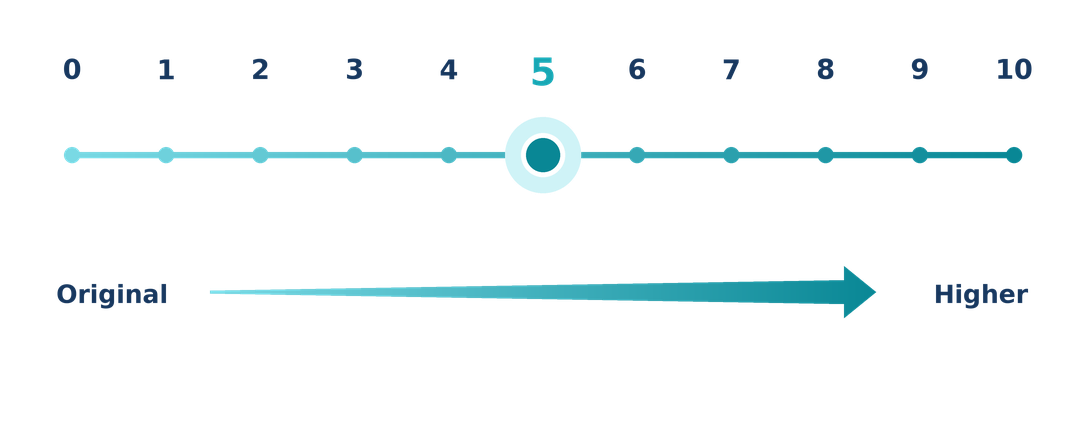
NEXARA X integrates SOINVISION’s S-VIXTA image-enhancement technology directly into the display, adding coordinated visualization capabilities beyond the shared NEXARA display controls.
Global Optimize, Defog, Depth Enhancement, and Vessel & Tissue Visibility Enhancement describe key aspects of how S-VIXTA improves overall image presentation. These capabilities work together as part of the integrated enhancement system rather than as separate functions that users must adjust individually.
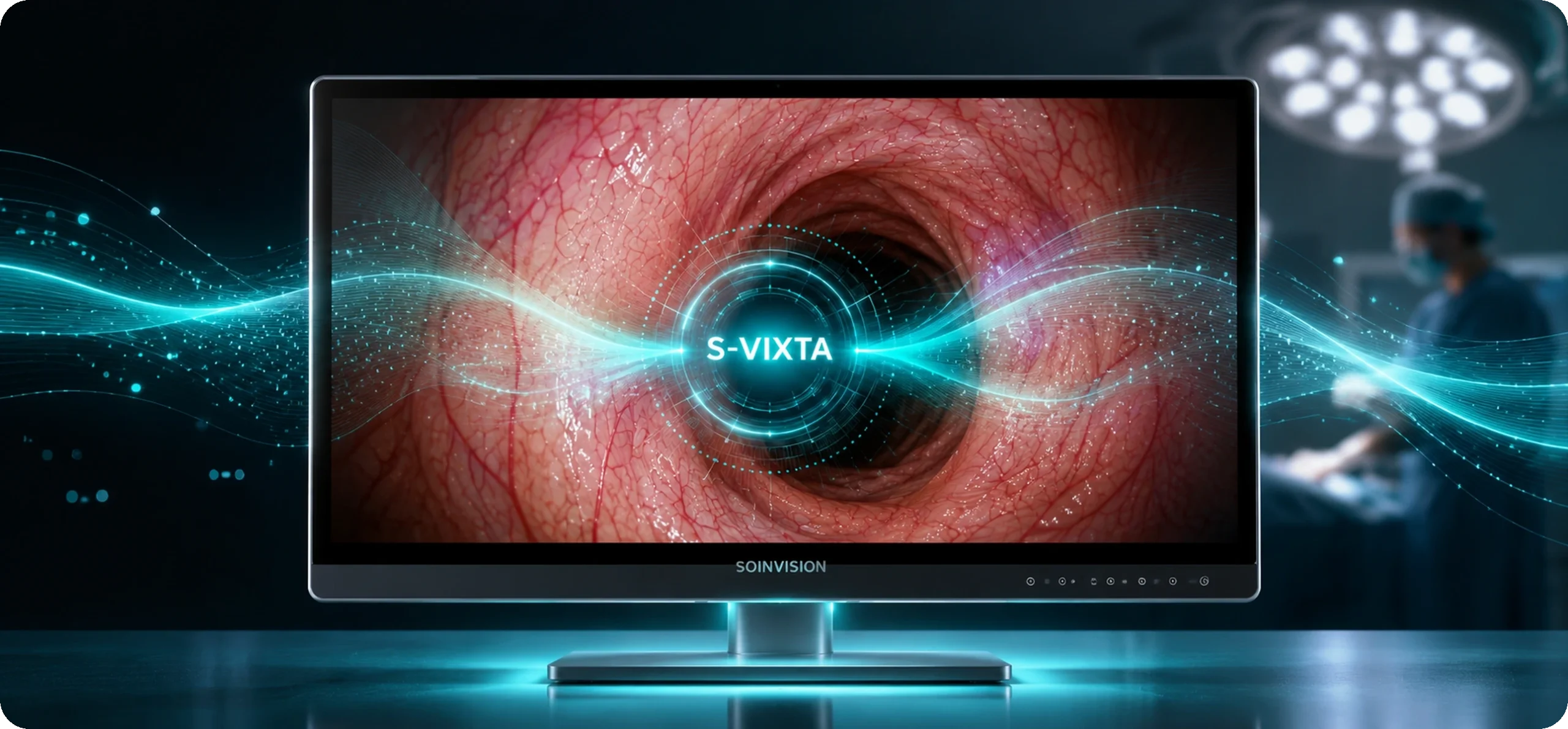
AI ENHANCEMENT LEVEL
Unified 0–10 Enhancement Control
S-VIXTA integrates multiple image-enhancement capabilities into a single 0–10 control. Level 0 retains the original image presentation, while Levels 1–10 apply progressively stronger overall enhancement without requiring individual enhancement functions or image parameters to be adjusted separately.

Global Optimize
Whole-Image Optimization
Provides coordinated whole-image optimization to improve overall image clarity and make fine structural details, including small vascular details, more visually distinguishable.

Defog
Haze Reduction
Reduces haze-like visual effects in the displayed image to support clearer overall visualization when image visibility is reduced.

Depth Enhancement
Depth Cue Enhancement
Adjusts image presentation so structural depth cues appear more visually distinguishable and spatial relationships are easier to perceive.

Vessel & Tissue Visibility Enhancement
Structural Visibility
Supports clearer visual distinction of vessel and tissue structures as part of the integrated S-VIXTA image-enhancement process.
03ADDITIONAL FUNCTIONS
Additional Functions and OR-Ready Details
Beyond its core display and S-VIXTA capabilities, NEXARA X also includes practical viewing, protection, mounting and connectivity details that support integration across different medical video setups.

178° Wide-Angle Viewing
A 178° viewing angle supports screen visibility from different positions around the display.

IP65 Front Protection
The IP65-rated front panel provides added protection for the display surface in medical equipment environments.

Size-Specific VESA Mounting
VESA patterns vary by display size to support suitable cart, wall or larger fixed-installation setups.

Low-Blue-Light Viewing
A configurable low-blue-light option provides an additional viewing setting within the monitor controls.

Pro / Ultra Interface Options
Pro and Ultra versions offer different SDI connection options, allowing the interface setup to be matched to the connected video system.

Medical Video Integration
HDMI, DisplayPort, DVI and configuration-dependent input/output options support connection with compatible cameras, processors, recorders and secondary displays.
WORKFLOW INTEGRATION
S-VIXTA in Endoscopy and OR Display Setups
NEXARA X combines integrated image controls with the video connectivity and multi-view functions needed for use within compatible endoscopy and operating-room video systems.

Enhancement at the Display
S-VIXTA controls are integrated into the monitor, allowing image-enhancement settings to be selected directly at the display.

Source Flexibility
Connect compatible cameras, processors, recorders and other video equipment through the interfaces available on the selected configuration.

Video Routing
Multi-view functions and video outputs support setups involving several sources or secondary displays.
Compact System Setup
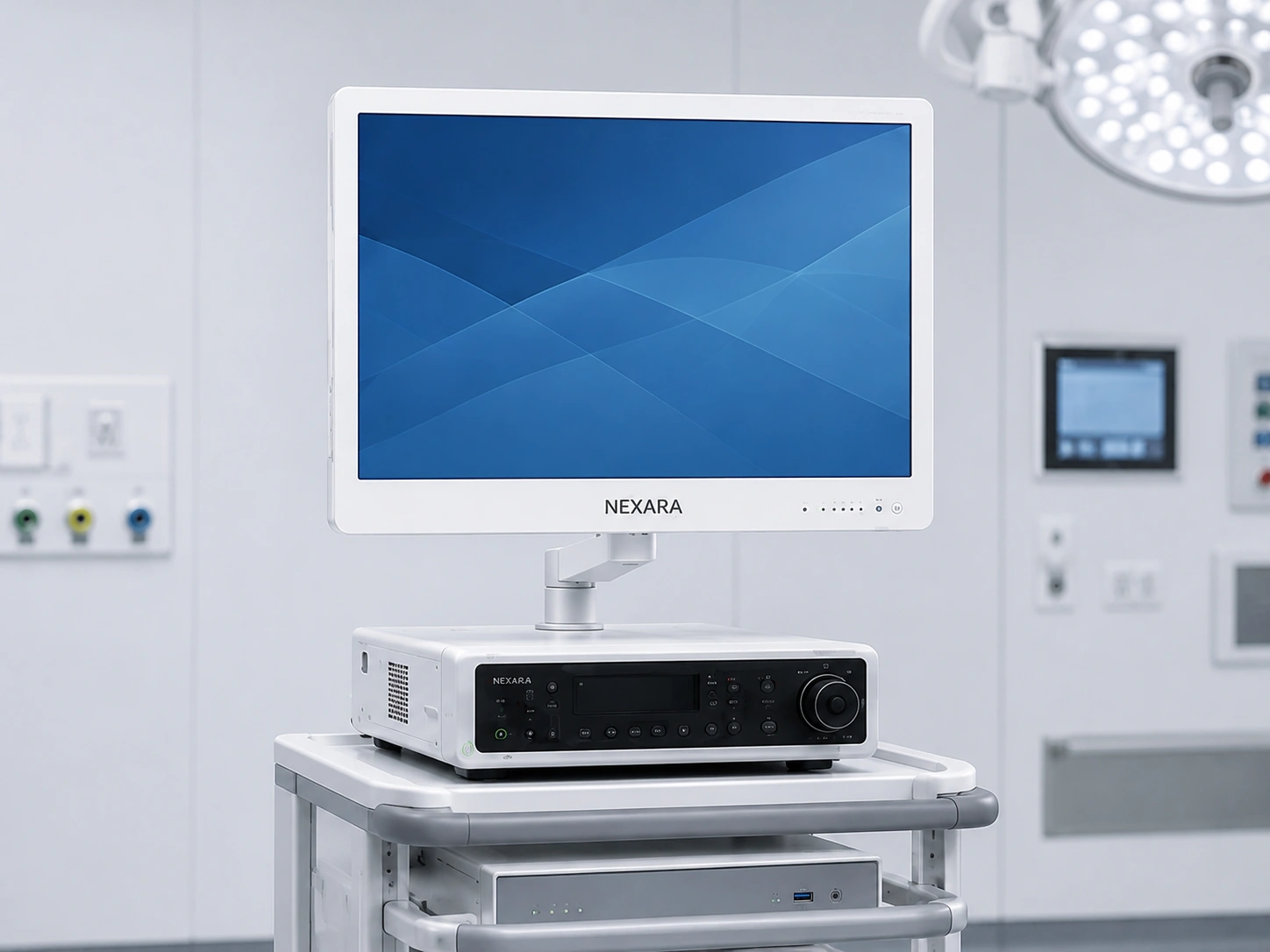
The 27- and 32-inch formats can be integrated into equipment-based setups where space and viewing distance are important.
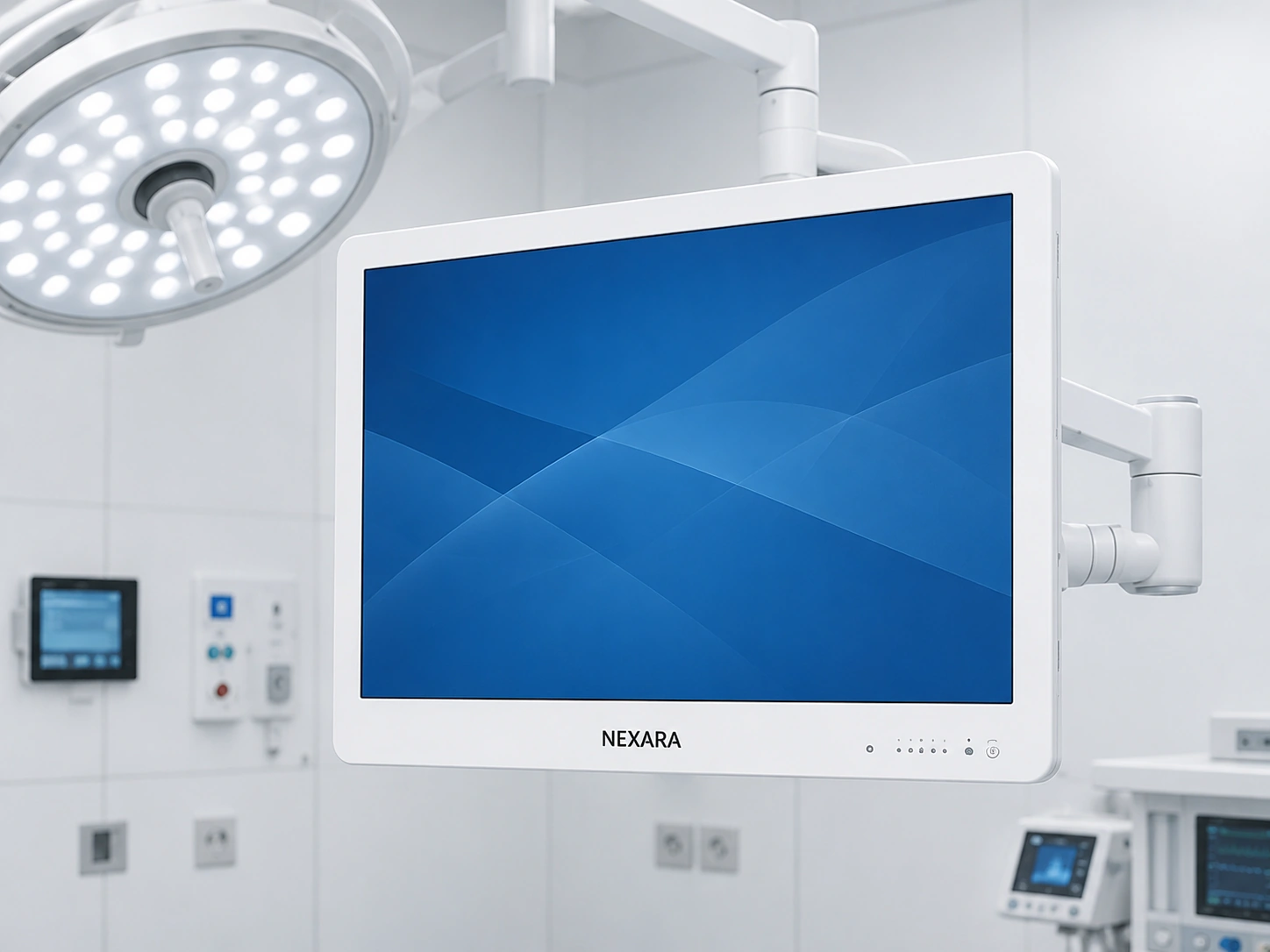
Main Display with S-VIXTA
Select the display size according to room layout, viewing position and required image area while retaining access to S-VIXTA controls.
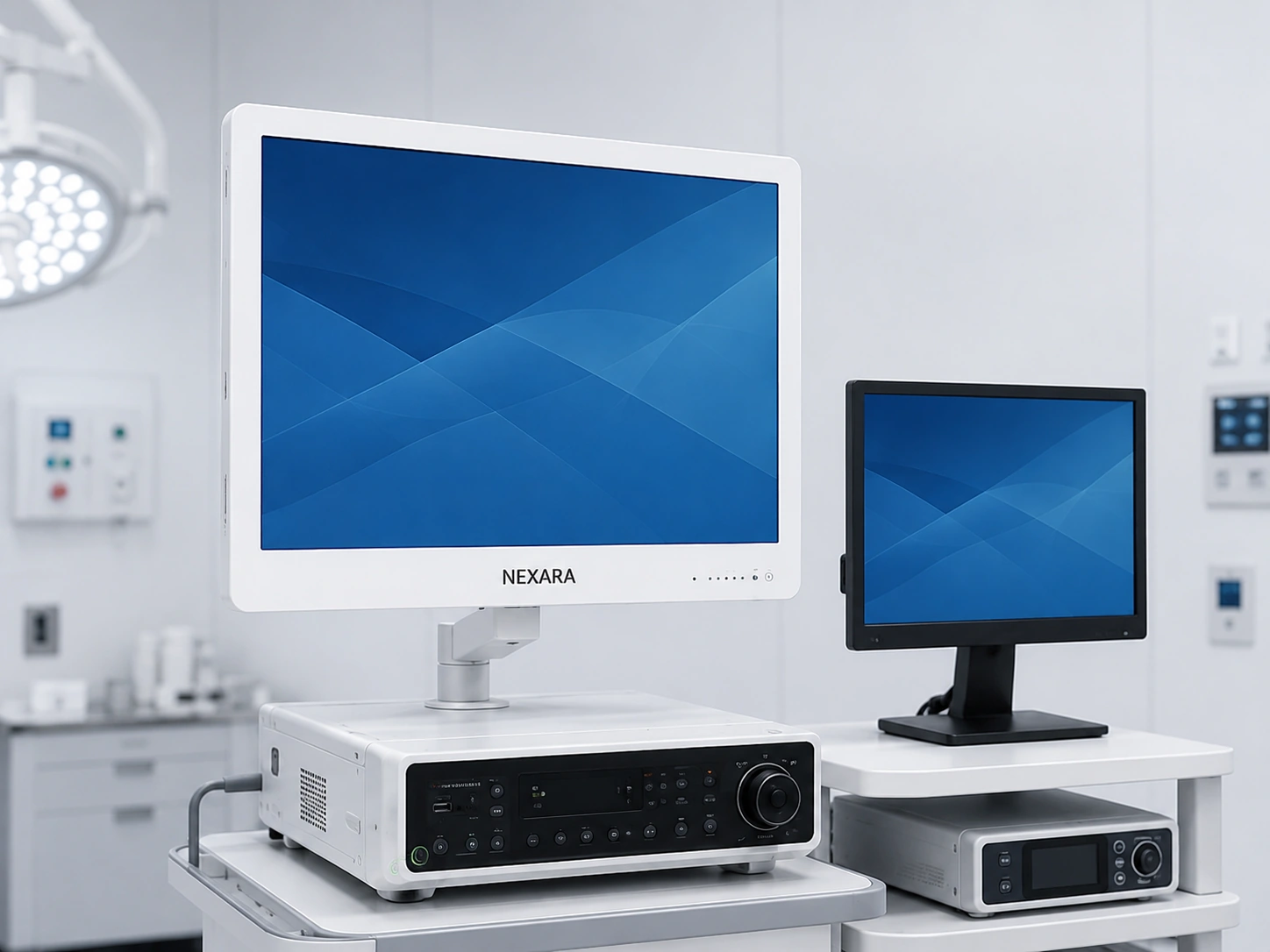
Multi-Display Integration
Input, output and multi-view functions support configurations involving multiple devices or displays.
FAQ
Questions About the NEXARA X Series
Which NEXARA X size should I choose?
Choose the display size according to installation space, viewing distance and required screen area.
The 27-inch format is suited to compact and close-range setups, the 32-inch model provides a balanced main-display format, and the 43-inch model offers more screen area for larger rooms and shared viewing.
All three sizes use the NEXARA X S-VIXTA feature set, so display size should not be treated as an indicator of stronger or weaker image enhancement.
What does S-VIXTA add to NEXARA X?
S-VIXTA adds coordinated image-enhancement capabilities beyond the shared NEXARA display controls, adjusted together through a unified 0–10 level control.
Within NEXARA X, these include Global Optimize, Defog, Depth Enhancement, Vessel & Tissue Visibility Enhancement and adjustable AI Enhancement Level 0–10.
What is the difference between NEXARA X Pro and Ultra?
Ultra versions add multi-rate SDI input/output for systems that require broader SDI connectivity.
The Pro interface layout differs by size: AIU270Pro does not include dedicated SDI I/O, while AIU320Pro and AIU430Pro provide 3G-SDI output.
Check the individual product page for the complete interface layout before final selection.
Can the AI Enhancement Level be adjusted?
Yes.
AI Enhancement Level can be adjusted from 0 to 10, allowing the enhancement strength to be selected instead of using one fixed level.
Is 1080p-to-4K image enhancement exclusive to NEXARA X?
No.
1080p-to-4K image enhancement is shared by both NEXARA and NEXARA X.
The distinguishing element of NEXARA X is its additional S-VIXTA image-enhancement functions and adjustable enhancement controls.
MODEL SELECTION SUPPORT
Need Help Configuring a NEXARA X Display?
Tell us your preferred screen size, video source, required interfaces, installation setup and image-enhancement needs.
Our team can help you compare NEXARA X 27, 32 and 43 and determine whether a Pro or Ultra version better fits your system.